


REGULAR PROGRAMS
CAMPUS / ONLINE
Explore CG, VFX, 3D animation, AI, games, and commercial production at SF Film School.
Start with the fundamentals and build your skills through hands-on projects, guided by instructors with industry experience.
Learn the production process in your chosen field as you build your portfolio and prepare for a career in the industry.
SFFS Signature Class Structure:
Students at different stages of the curriculum are taught in separate classes.
FX
DYNAMIC AND SIMULATION
Every explosion, flood, and collapsing building you've seen on screen was most likely built in Houdini.
The industry's most powerful tool for simulation and FX,
Houdini handles everything from pyro and fluids to destruction and character effects
— the kind of work that makes audiences forget they're watching something that was never real.
At SFFS, students learn Houdini as a core part of the FX pipeline,
building the technical depth to create effects that hold up on the biggest screens in the world.

MAYA
Autodesk Maya is the industry standard for 3D production —
the software behind character animation, visual effects, and environments in film, TV, and games worldwide.
At SFFS, Maya is the foundation of the pipeline.
From modeling and rigging to lighting and rendering,
you'll build the kind of fluency that studios expect from day one.
Duration
6
Months
Class Capacity
8 ~ 12
Class Hours
2
H
Including Breaks

BASIC MODELING
<Maya Basics for First-Time Learners>
Learn Maya’s interface and 3D space, progressing step by step from basic modeling to hard-surface modeling.
Basics → Modeling → Final Object

UV & Texture
<Adding Color and Materials to Bring 3D Models to Life>
Learn UV mapping, V-Ray materials, subdivision, and texturing to add realistic colors and materials to 3D models.
Modeling → Materials → Final Details

Shading & Lighting
<Creating Realistic 3D Scenes>
Learn basic shading and lighting, advanced texturing, and how to recreate the characteristics of different materials. Explore light and shadow by placing and adjusting lights in 3D space, then use physical and IES lighting to create natural illumination.
Build a complete scene by controlling materials, light, and shadow.

Camera & Render Pass
<Turning a 3D Space into a Finished Image>
Learn basic camera techniques to create the desired composition and perspective, and understand how cameras frame a scene. Use Render Passes to separate light, shadow, and reflections, then combine them through compositing to create a polished final image.
Go beyond building a 3D space and complete the final image through camera work and compositing.
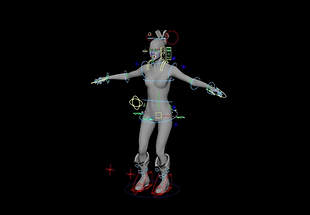
Rigging & Animation
<Bringing Movement and Life to 3D Models>
Learn rigging by building skeletons and controllers for natural character and object movement. Start with keyframe animation, then use Constraints, Set Driven Keys, Motion Paths, and Expressions to control various movements and apply motion capture data to create realistic character animation.
Turn static 3D models into animated content and design the movements you want.
SUBSTANCE PAINTER
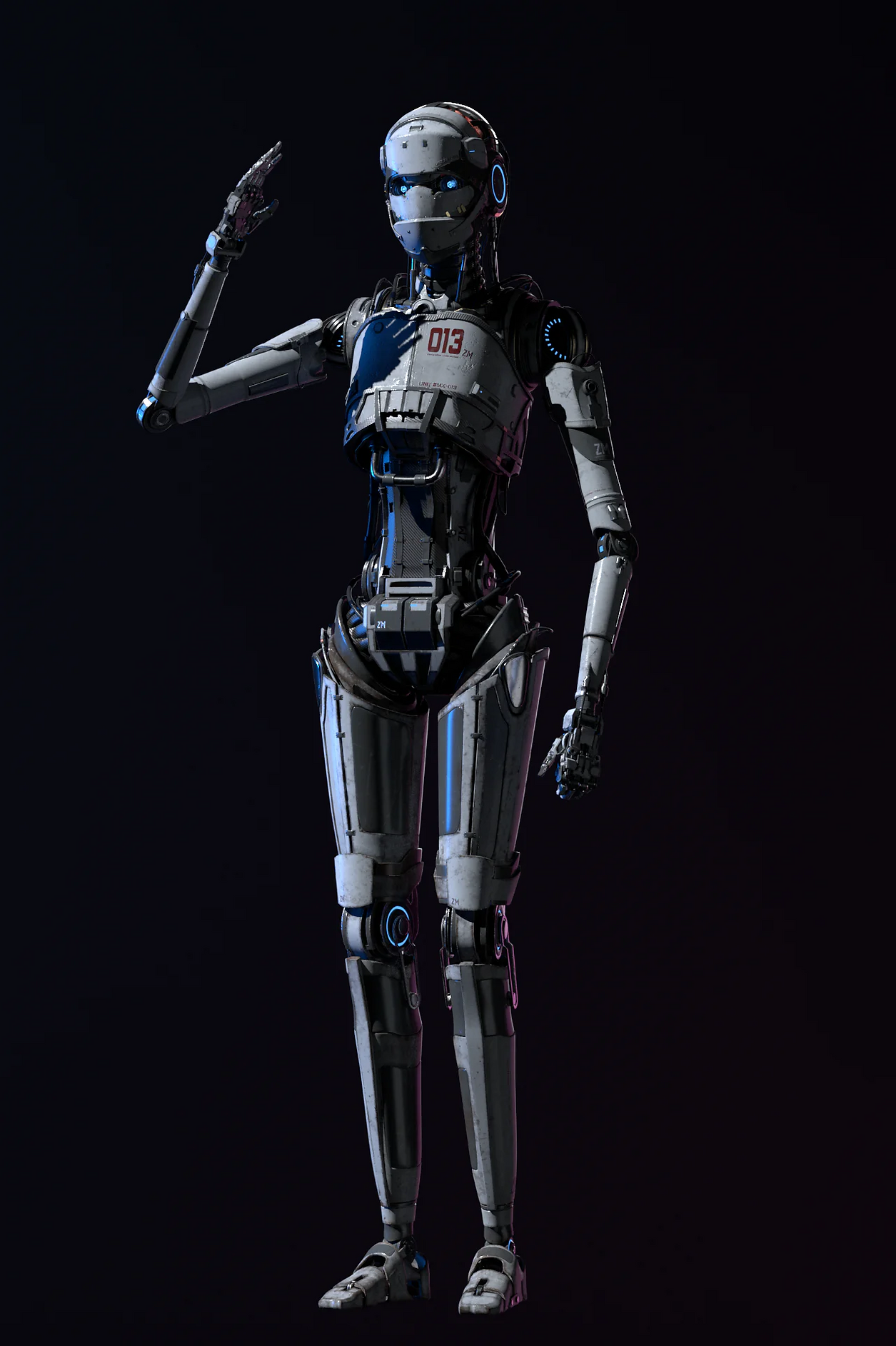
The difference between a 3D model that looks real
and one that doesn't usually comes down to texturing
— and Substance Painter is the industry's tool of choice for getting it right.
Working directly on the 3D surface, students apply materials,fine details,
and weathering effects using a layer-based workflow built around real-time PBR rendering.
At SFFS, Substance Painter is taught as part of the full asset pipeline,
seamlessly integrated with Maya and industry-standard renderers.
Duration
2
Months
Class Capacity
8 ~ 12
Class Hours
2
H
Including Breaks

Basic & PBR Workflow
<3D Texturing Basics for First-Time Learners>
Learn the Substance 3D Painter interface, project setup, layers, materials, and essential tools. Understand the PBR workflow and use color, metallic, and roughness properties to create a variety of realistic materials for 3D models.
Basics → PBR → Materials

UV & Baking
<UV and Baking for Accurate Texturing>
Learn the basics of UV layout and mapping to properly unwrap and organize 3D surfaces. Bake Normal and AO maps to capture shape and detail for texturing.
UV → Baking → Texturing

Smart Materials & Texturing
<Creating Realistic Materials and Surface Details>
Learn to use Smart Materials, Masks, and Layers to create and refine different materials. Add scratches, dirt, and wear, then adjust Roughness and Metallic values for realistic surfaces.
Materials → Details → Realistic Textures

Export & Pipeline Integration
<From Textures to Final CG>
Learn to export texture maps and apply them in Maya, renderers, and game engines. Practice applying textures, checking rendered results, and completing the final output through hands-on projects.
Export → Apply → Final

HOUDINI
Every explosion, flood, and collapsing building you've seen on screen was most likely built in Houdini.
The industry's most powerful tool for simulation and FX,
oudini handles everything from pyro and fluids to destruction and character effects
— the kind of work that makes audiences forget they're watching something that was never real.
At SFFS, students learn Houdini as a core part of the FX pipeline,
building the technical depth to create effects that hold up on the biggest screens in the world.
Duration
6
Months
Class Capacity
8 ~ 12
Class Hours
2
H
Including Breaks

Houdini Procedural Basics
<Houdini & Procedural Basics>
Learn Houdini’s interface and workspace while exploring the fundamentals of procedural workflows. Understand nodes and data flow to build a structured approach to 3D production.
Basics → Procedural → Structure

Houdini Core & FX Basics
<3D Data & Basic FX>
Learn Houdini’s data structure and key tools, using Copy and For Each to control objects. Explore cameras, lighting, rendering, and the fundamentals of particle FX with POP.
3D Data → Object Control → Basic FX

Shader & Particle FX
<Natural Effects & FX>
Learn to create natural effects such as water, dust, and fog using Shaders and Particles. Use Displacement, POP, and Ocean Toolkit to build realistic materials and natural phenomena in 3D.
Shader → Particle FX → Natural Effects

VEX & Volume FX
<VEX & Advanced FX>
Learn to control data with VEX, Houdini’s programming language, and apply it to various workflows. Use Volume and Fluid Solvers to create complex effects such as smoke and fog.
VEX → Volume → Fluid

Destruction FX
<Destruction FX>
Learn the fundamentals of Destruction FX, starting with Fault Modeling to break and collapse objects. Create realistic debris, impacts, and destruction using Advanced and Dynamic Destruction techniques.
Fault → Advanced → Dynamic

Asset & Tool Development
<Asset & Tool Development>
Learn to create custom Houdini tools using Assets and OTLs to streamline repetitive tasks. Connect SOP Solvers with various FX techniques to build reusable production systems.
Asset → Solver → Tools