


REGULAR PROGRAMS
CAMPUS / ONLINE
Explore CG, VFX, 3D animation, AI, games, and commercial production at SF Film School.
Start with the fundamentals and build your skills through hands-on projects, guided by instructors with industry experience.
Learn the production process in your chosen field as you build your portfolio and prepare for a career in the industry.
SFFS Signature Class Structure:
Students at different stages of the curriculum are taught in separate classes.
VISUAL EFFECTS
Every creature, explosion, and impossible landscape you've seen on screen was built by a VFX artist.
This program teaches you how — from integrating CG elements with live-action footage to building full digital environments from scratch. You'll work with the same tools and pipelines used in professional productions,
developing both the technical skills and the artistic eye that studios look for.

MAYA
Autodesk Maya is the industry standard for 3D production —
the software behind character animation, visual effects, and environments in film, TV, and games worldwide.
At SFFS, Maya is the foundation of the pipeline.
From modeling and rigging to lighting and rendering,
you'll build the kind of fluency that studios expect from day one.
Duration
6
Months
Class Capacity
8 ~ 12
Class Hours
2
H
Including Breaks

BASIC MODELING
<Maya Basics for First-Time Learners>
Learn Maya’s interface and 3D space, progressing step by step from basic modeling to hard-surface modeling.
Basics → Modeling → Final Object

UV & Texture
<Adding Color and Materials to Bring 3D Models to Life>
Learn UV mapping, V-Ray materials, subdivision, and texturing to add realistic colors and materials to 3D models.
Modeling → Materials → Final Details

Shading & Lighting
<Creating Realistic 3D Scenes>
Learn basic shading and lighting, advanced texturing, and how to recreate the characteristics of different materials. Explore light and shadow by placing and adjusting lights in 3D space, then use physical and IES lighting to create natural illumination.
Build a complete scene by controlling materials, light, and shadow.
Camera & Render Pass
<Turning a 3D Space into a Finished Image>
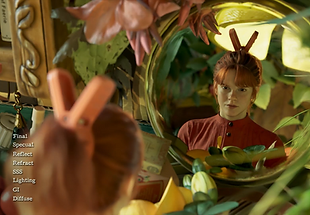
Learn basic camera techniques to create the desired composition and perspective, and understand how cameras frame a scene. Use Render Passes to separate light, shadow, and reflections, then combine them through compositing to create a polished final image.
Go beyond building a 3D space and complete the final image through camera work and compositing.
Rigging & Animation
<Bringing Movement and Life to 3D Models>
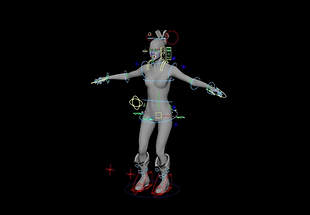
Learn rigging by building skeletons and controllers for natural character and object movement. Start with keyframe animation, then use Constraints, Set Driven Keys, Motion Paths, and Expressions to control various movements and apply motion capture data to create realistic character animation.
Turn static 3D models into animated content and design the movements you want.
SUBSTANCE PAINTER
The difference between a 3D model that looks real
and one that doesn't usually comes down to texturing
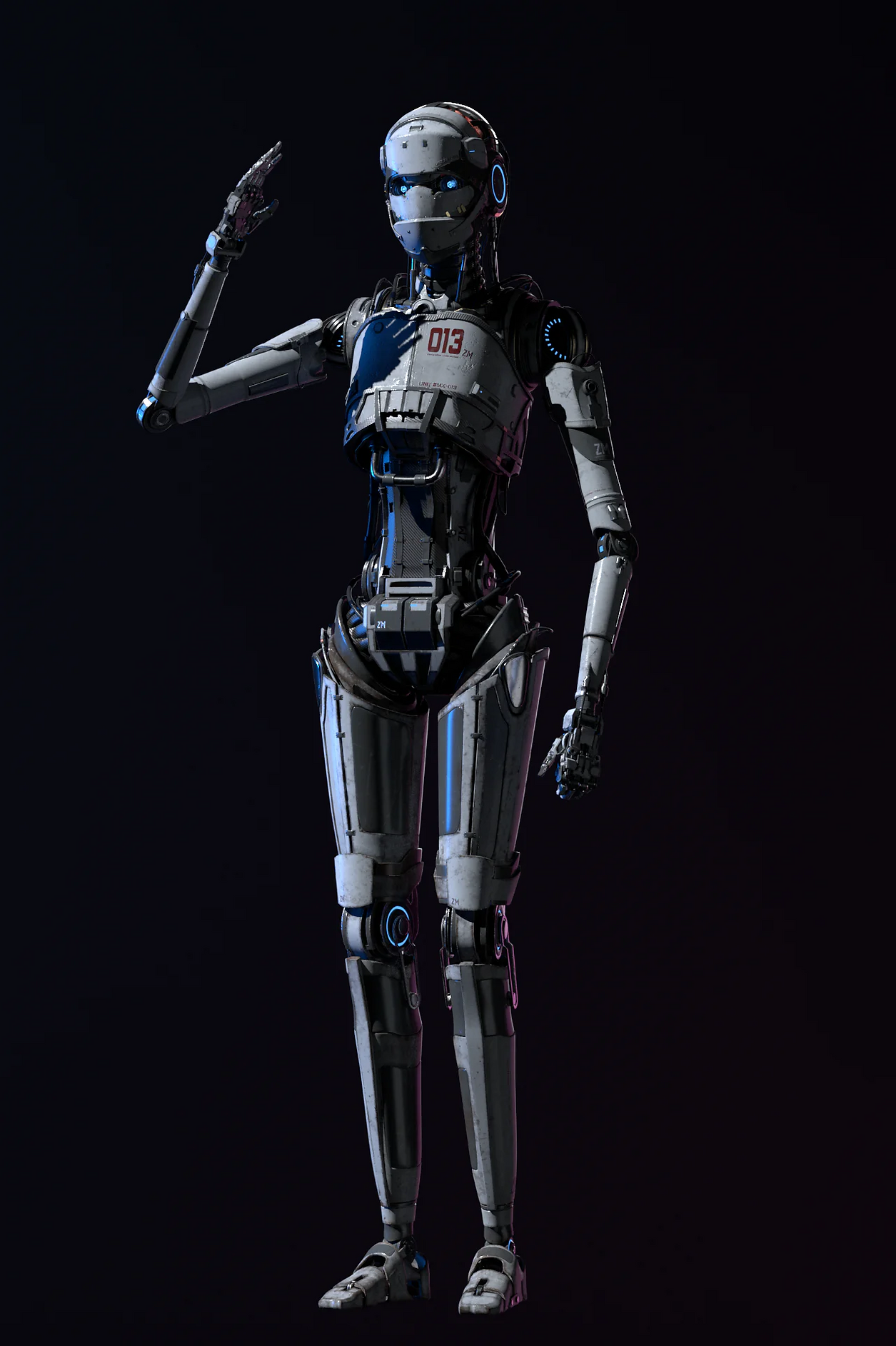
— and Substance Painter is the industry's tool of choice for getting it right.
Working directly on the 3D surface, students apply materials,fine details,
and weathering effects using a layer-based workflow built around real-time PBR rendering.
At SFFS, Substance Painter is taught as part of the full asset pipeline,
seamlessly integrated with Maya and industry-standard renderers.
Duration
2
Months
Class Capacity
8 ~ 12
Class Hours
2
H
Including Breaks

Basic & PBR Workflow
<3D Texturing Basics for First-Time Learners>
Learn the Substance 3D Painter interface, project setup, layers, materials, and essential tools. Understand the PBR workflow and use color, metallic, and roughness properties to create a variety of realistic materials for 3D models.
Basics → PBR → Materials

UV & Baking
<UV and Baking for Accurate Texturing>
Learn the basics of UV layout and mapping to properly unwrap and organize 3D surfaces. Bake Normal and AO maps to capture shape and detail for texturing.
UV → Baking → Texturing

Smart Materials & Texturing
<Creating Realistic Materials and Surface Details>
Learn to use Smart Materials, Masks, and Layers to create and refine different materials. Add scratches, dirt, and wear, then adjust Roughness and Metallic values for realistic surfaces.
Materials → Details → Realistic Textures

Export & Pipeline Integration
<From Textures to Final CG>
Learn to export texture maps and apply them in Maya, renderers, and game engines. Practice applying textures, checking rendered results, and completing the final output through hands-on projects.
Export → Apply → Final

NUKE (+AI)
Nuke is the compositing tool of choice at the world's top VFX studios
— the software that takes every rendered element and turns them into a finished shot.
At SFFS, students learn Nuke as the final stage of the production pipeline,
developing the eye and the technical precision to make CG and live-action footage
feel like they were always in the same world.

Nuke Basic & Compositing
<Getting Started with Nuke>
Learn Nuke’s interface and node system, and explore basic compositing with Alpha, Roto, and Masks. Use blend modes and essential nodes to combine images and footage naturally and create a final output.
Nuke Basics → Nodes → Final

Tracking & Keying
<Blending Live Action with CG>
Analyze footage using Tracking and Stabilize, then isolate elements with Keying and Remove. Use V-Ray Multi-pass to adjust color, reflections, and shadows, blending CG naturally with live-action footage.
Tracking → Keying → CG

Nuke 3D & Advanced Compositing
<Advanced 3D Compositing>
Use Nuke’s 3D space, Projection, and 3D Camera Tracking to recreate filmed environments and place CG naturally into the scene. Apply Rotoscoping, Focus Match, and other techniques to create detailed VFX composites.
3D Space → Camera Tracking → VFX
Duration
3
Months
Class Capacity
8 ~ 12
Class Hours
2
H
Including Breaks
ZBRUSH

ZBrush is where characters come to life —
the industry's go-to tool for high-detail sculpting,
from creature design and anatomy to props and surface texturing.
At SFFS, ZBrush is taught as part of a complete character pipeline,
giving students the technical control and creative freedom to build work that holds up at production level.
Duration
5
Months
Class Capacity
8 ~ 12
Class Hours
2
H
Including Breaks

ZBrush Basic & Head Sculpting
<Getting Started with ZBrush>
Learn ZBrush basics including DynaMesh, SubTools, Masks, and Polygroups, and sculpt forms using various brushes. Understand human anatomy and sculpt facial features such as the eyes, nose, and mouth.
ZBrush Basics → Anatomy → Head Sculpting
Detail & Retopology
<Adding Details & Building Production-Ready Models>
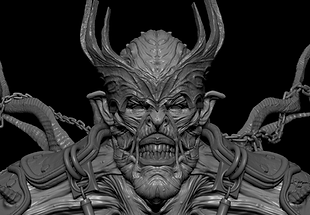
Use Alpha Brushes and Displacement to create skin, wrinkles, and surface details, and learn shape creation with Boolean tools. Refine complex sculpts into production-ready models through Retopology and UVs.
Detail → Retopology → UV

Costume & Prop
<Creating Character Clothing & Props>
Use ZBrush Dynamic and ZModeler to create clothing and props, then add decorative and surface details with IMM Brushes and MicroMesh.
Clothing → Accessories → Props

Creature Sculpting
<Designing & Sculpting Creatures>
Design creature forms and structures based on human and animal anatomy, then sculpt details such as muscles, skin, and textures. Complete the creature with Retopology to create a production-ready model.
Design → Anatomy → Creature Sculpting

Texture & Rendering
<Bringing Characters to Life with Textures>
Use Substance 3D Painter to create character colors, materials, and skin textures, adding realistic details with scan data. Apply Normal and Displacement Maps, then complete the final render in Maya.
Texture → Material → Final Render